
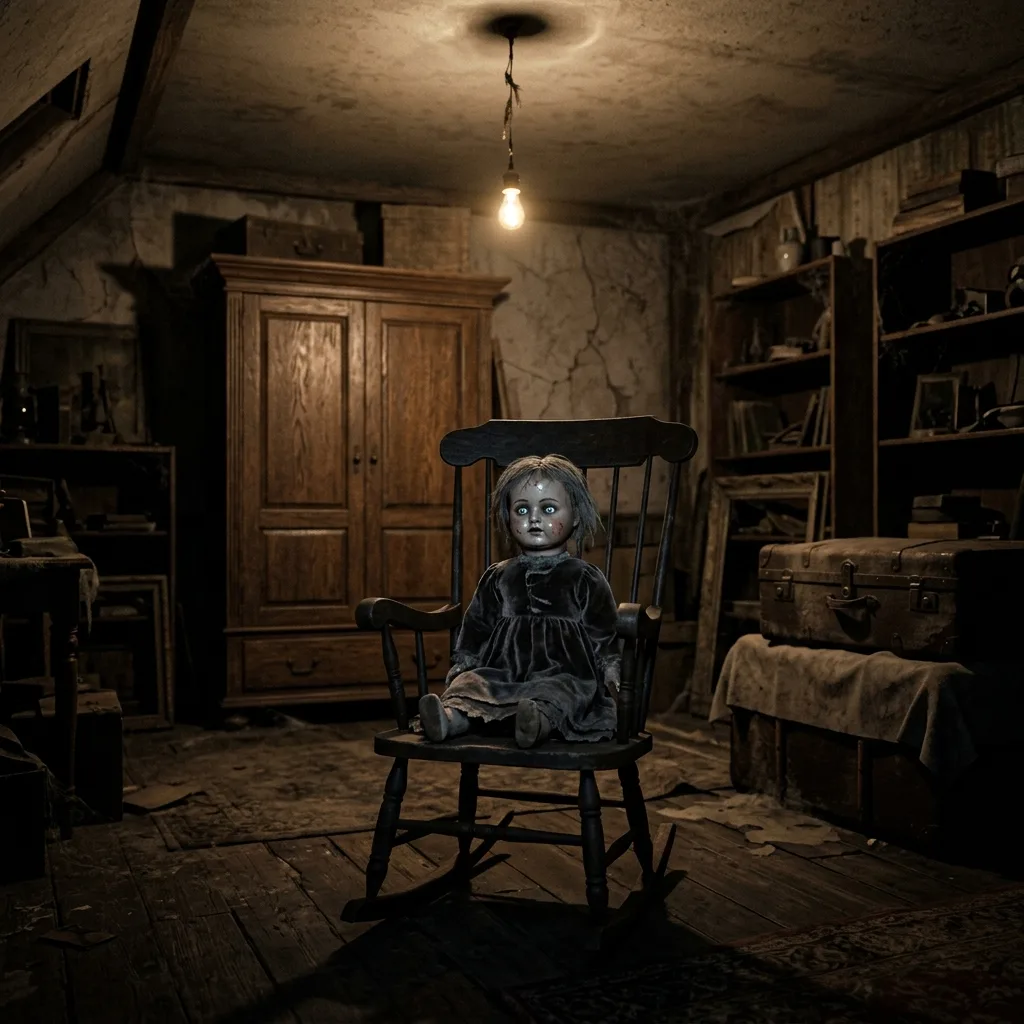
Paapi Gudia
An immersive horror adventure engineered for parity across PC and Meta Quest hardware. Built with Unity URP and OpenXR for production-ready cross-platform deployment.
One Engine. Two Realities.
Paapi Gudia is a cross-platform first-person horror shooter inspired by the iconic Bollywood horror film. The game delivers an immersive supernatural experience across two distinct hardware targets — Windows PC and Meta Quest standalone — from a single unified Unity codebase.
The central engineering challenge was delivering a genuinely immersive, atmospheric horror experience across platforms with vastly different rendering budgets — from a high-end PC GPU down to the Snapdragon XR2 mobile processor.
| Target | Profile |
|---|---|
| PC (Windows) | High-end GPU, full URP feature set, mouse/KB & Gamepad support. |
| Meta Quest 3 | Snapdragon XR2 Gen 2, Standalone VR, Mixed Reality passthrough. |
| Meta Quest 2 | Snapdragon XR2 Gen 1, Aggressive performance optimization. |
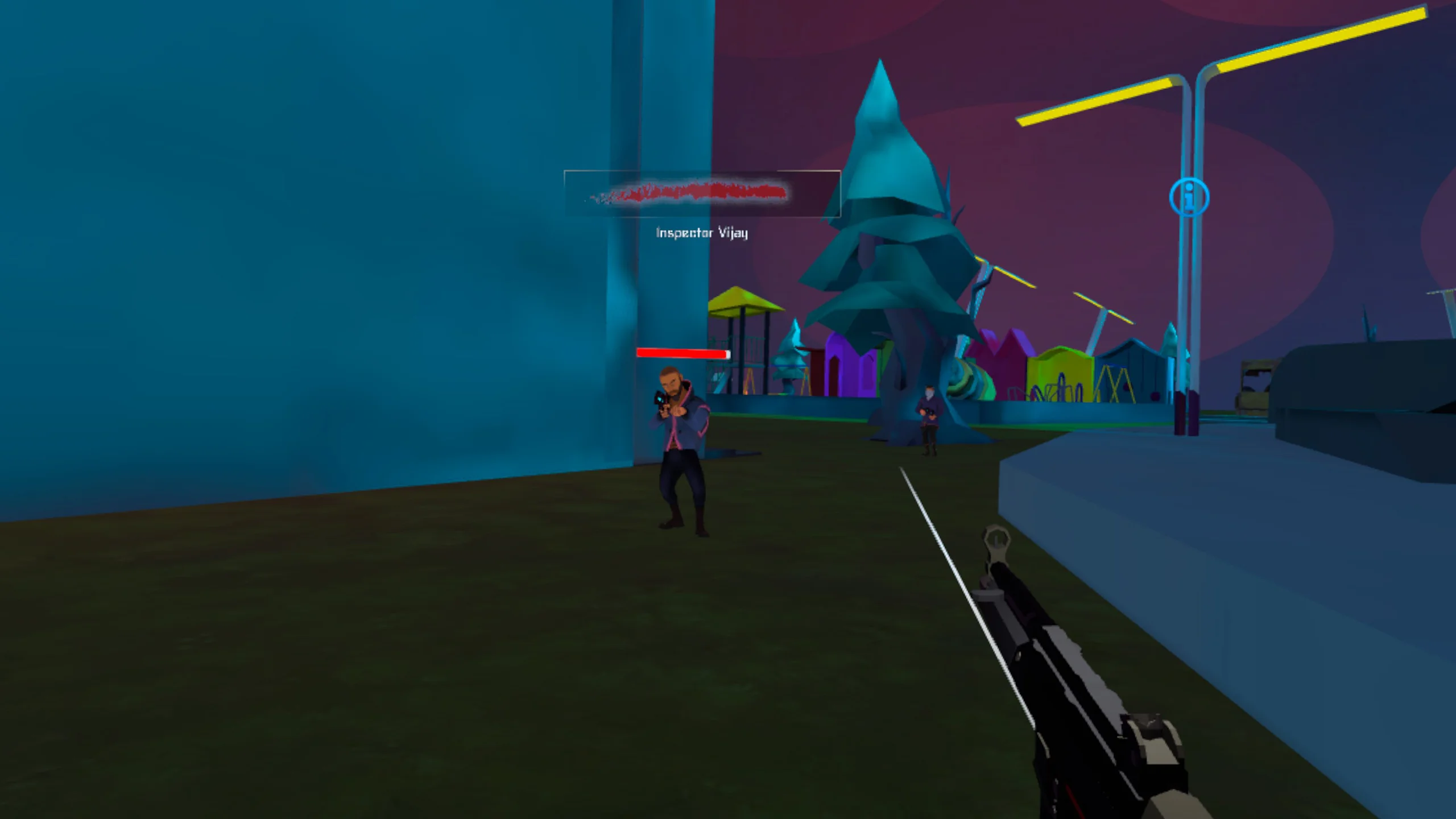
Film-Authentic
Visual identity and enemy design faithful to the source Bollywood IP, delivering a visceral interactive encounter.
Cross-Platform Parity
PC and Quest players experience the same core gameplay and story beats — differentiated only by rendering fidelity.
Atmospheric Dread
Every environment and audio cue is designed to build dread, rewarding environmental awareness over rushing.
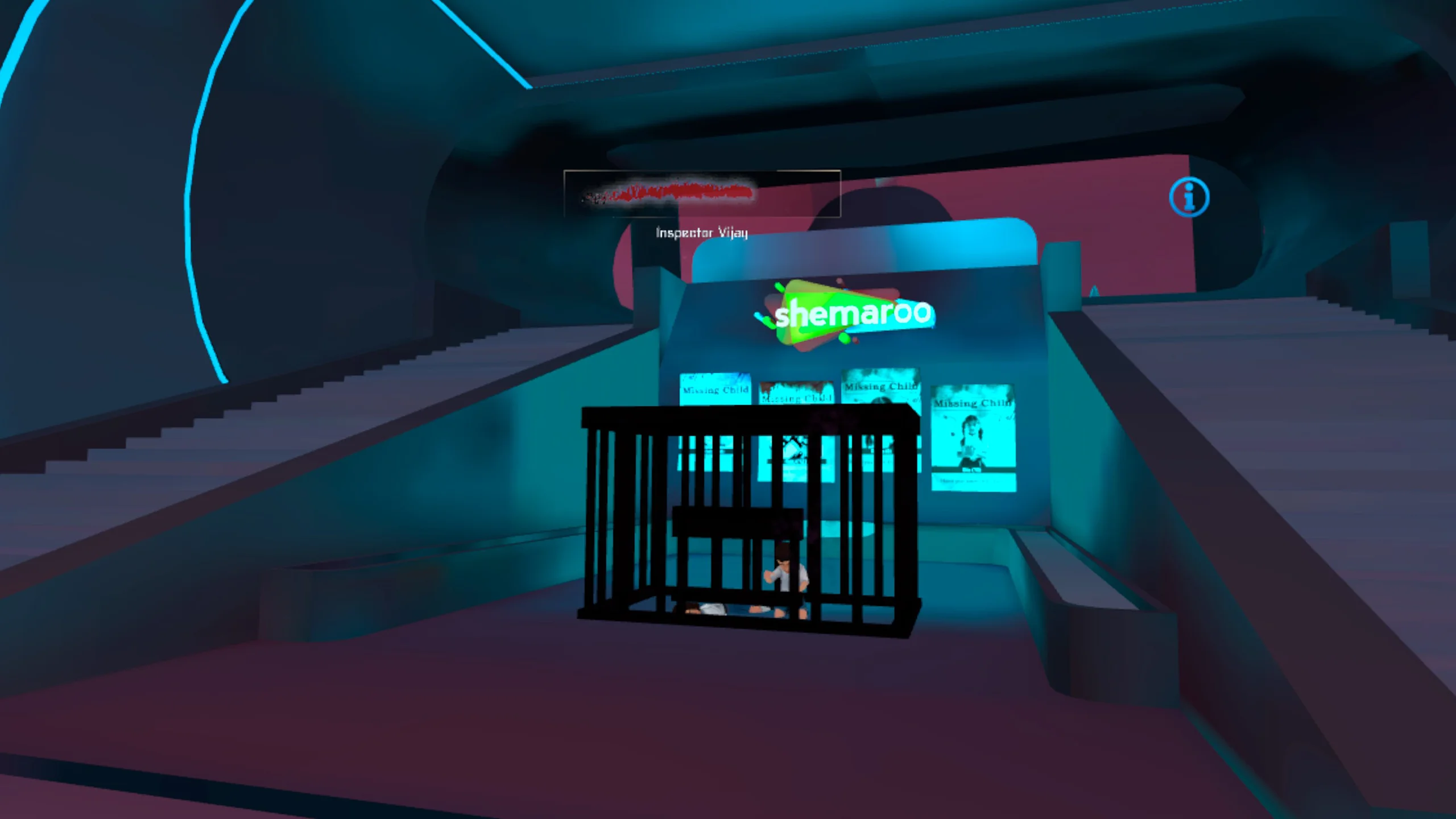
Atmospheric Pacing & Tension.
The experience structures its loop as a slow atmospheric exploration phase punctuated by high-intensity combat waves and direct boss confrontations with the cursed doll.
Audio cues and lighting shifts build dread as players uncover story fragments.
Supernatural enemies emerge in waves, demanding fast shooting reflexes.
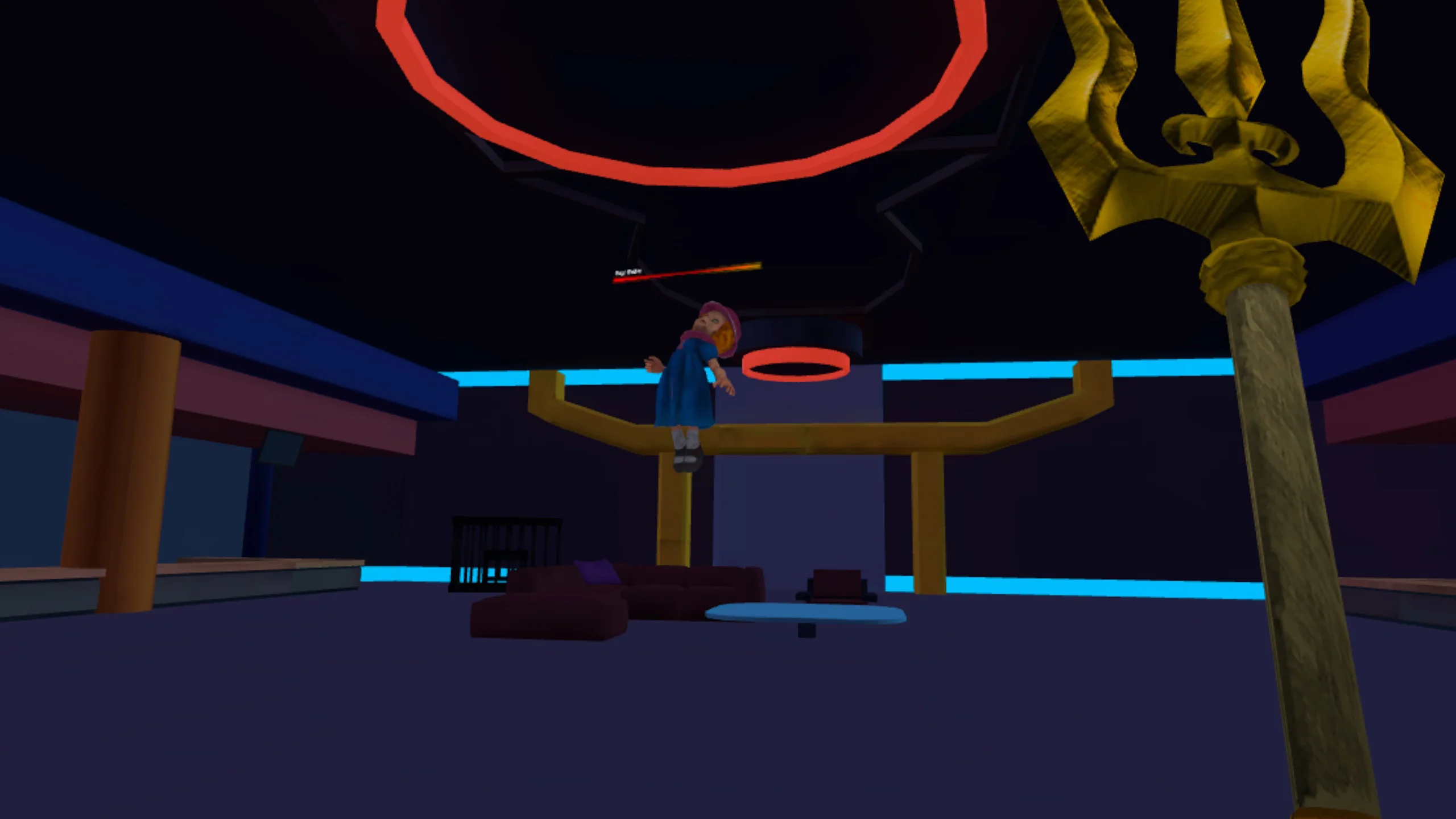
Direct encounters with the Paapi Gudia doll featuring erratic, unpredictable behavior.
Witness the Terror
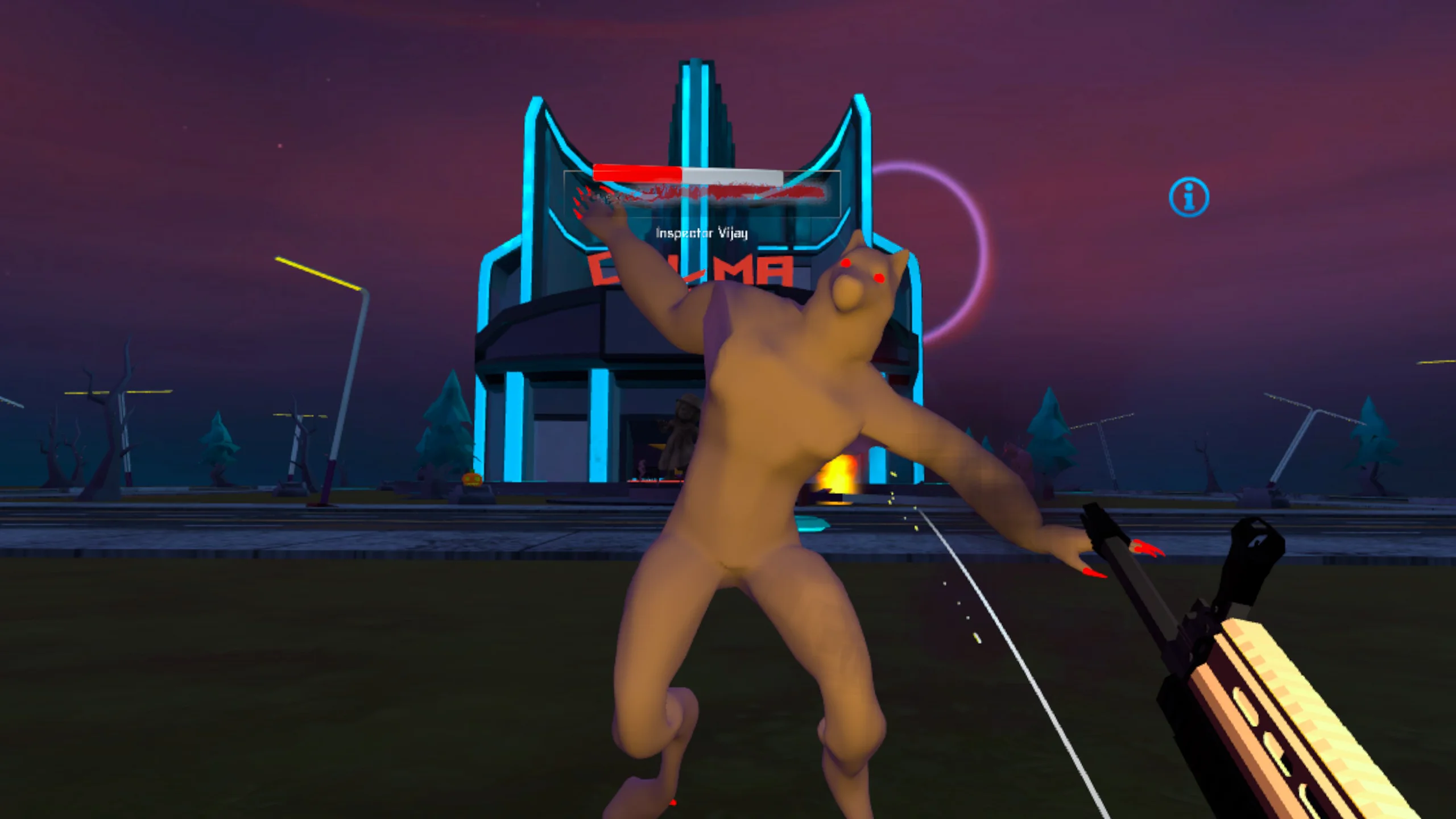
A look at the cross-platform rendering and immersive VR combat mechanics.
Platform-Agnostic Core.
Built on a modular architecture where core gameplay is platform-independent. Specific behavior — rendering quality, input handling, locomotion — is injected at runtime through abstraction layers.
- Unified InputRouted through a single InputActionAsset with XR, PC, and Gamepad schemes.
- Runtime URP SwitchingDetects hardware and selects optimized PC or Quest render profiles.
- Hybrid AIStandard NavMesh for minions, custom teleport graphs for the boss.
- Tension ScalarA persistent scene manager updating dread levels based on real-time state.
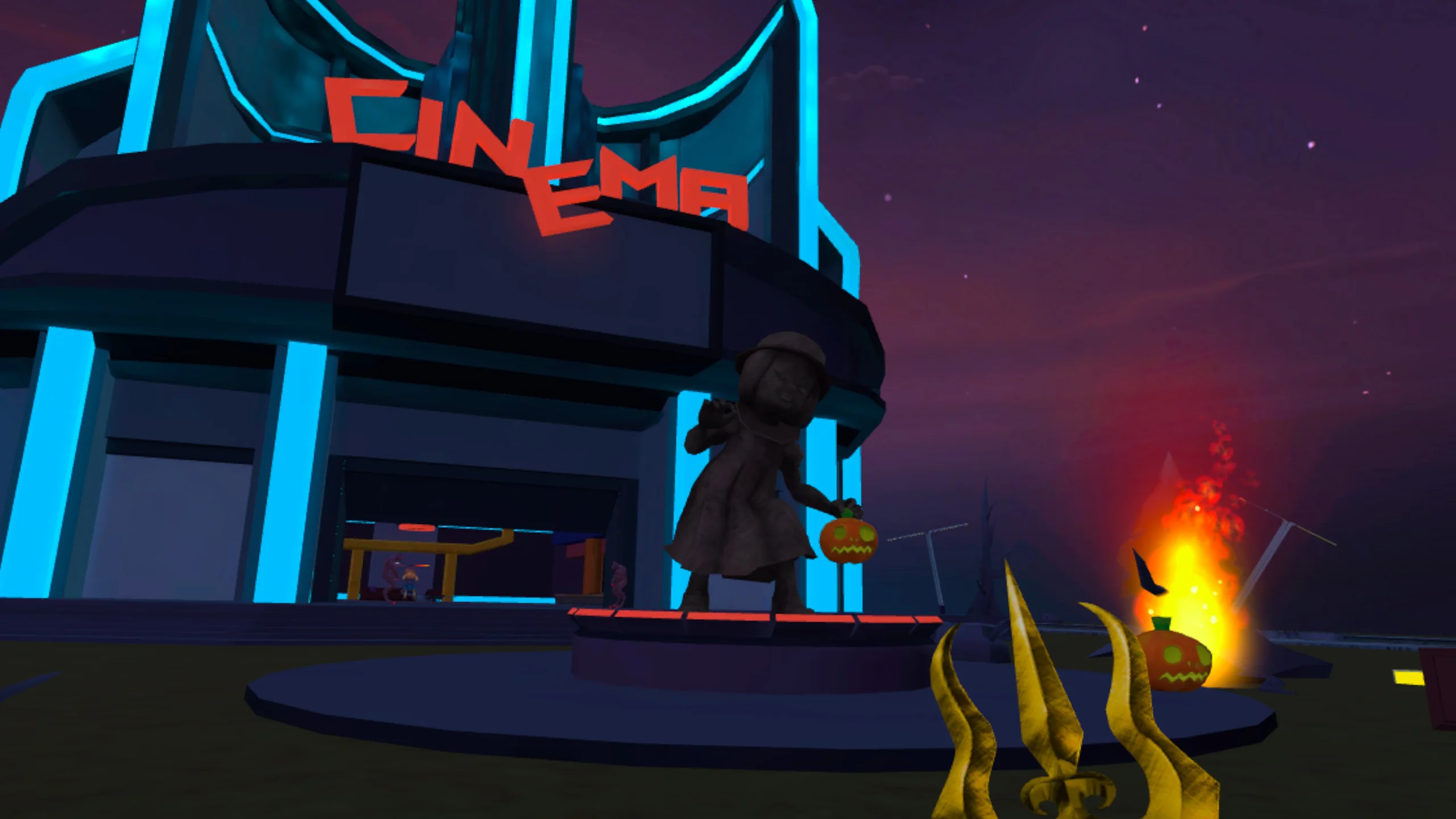
Production Screenshots
The Road Ahead.
Our hybrid framework allows for rapid content scaling across both branches simultaneously. We are currently engineering new systems to push the boundaries of cross-platform immersion.
-
✓
Asynchronous Co-Op: Enabling PC and VR players to survive the nightmare together.
-
✓
Haptic Suit Integration: Full bHaptics support for immersive physical feedback.
-
✓
Dynamic World Shifting: Environment geometries that react to player heartbeat in real-time.
Let's Design Your Project
We engineer modular, production-ready interactive systems and robust game loops. Reach out to our engineering team to bring your vision to life.
Start Your ProjectExplore Other Projects
Paapi Gudia
Cross-Platform VR Optimization
A technical deep-dive into building a hardware-aware rendering framework and unified input abstraction layer for high-fidelity horror combat on mobile chipsets.
Locked Quest 2 Performance
Maintained stable refresh rates on standalone hardware through vertex-lit shader optimizations and aggressive object pooling.
Input Translation Latency
Ultra-low latency abstraction layer ensuring parity between motion controllers and mouse/keyboard inputs.
Draw Calls (Max)
Strict budget management for mobile chipsets using SRP batching and manual light-probing optimization.
Unified Cross-Platform Framework
To avoid maintainability issues with separate codebases, we developed a Hardware-Aware Profile System. The engine detects the target platform at runtime and swaps core logic modules without rebuilding the scene.
Input Abstraction Layer
A centralized middleware that maps OpenXR motion events and traditional HID inputs to the same gameplay 'Action Registry'.
Scalable Render Profile
Dynamic adjustment of FFR (Fixed Foveated Rendering), post-processing stacks, and texture resolution based on thermal headroom.
Physics Proxy System
Swaps heavy mesh-colliders for simplified primitive sets on mobile chipsets while maintaining identical gameplay collision logic.
Engineering Mobile VR Parity
Standalone VR CPU Bottlenecks
High Draw Calls in Dense Horror Environments
Rendering detailed horror environments with complex lighting on the Quest 2's XR2 chipset often exceeded the 100-draw-call budget, causing severe frame drops and motion sickness.
SRP Batching & Custom Lightprobe Interpolators
We implemented aggressive SRP batching and replaced real-time point lights with a custom lightprobe interpolator. This allowed us to simulate dynamic lighting for 50+ objects in a single draw call.
Input Feeling Disparity
Flat Feeling on Mouse/Keyboard vs VR
The 'tactile' nature of VR combat (manual reloading, physical aiming) felt lost when translated to traditional inputs, making the PC version feel like a generic shooter.
Simulated Inertia & Micro-Action Mapping
We added simulated weapon inertia to mouse movement and mapped 'Micro-Actions' (like pulling a slide) to specific key combinations. This preserved the 'mechanical' feel of the VR version for PC players.
Validation & Results
Hardware-Aware Optimization is Mandatory
Designing for the most constrained platform (Quest 2) first, and then scaling up for PC, resulted in a much cleaner architecture than attempting to 'port down' later in development.
Unified Codebase for Faster Iteration
By using an abstraction layer for input and rendering, we were able to fix bugs once and deploy to all platforms simultaneously, reducing QA cycles by nearly 35%.
Immersion is a Performance Metric
In horror, frame stability is as important as visual fidelity. A locked 72 FPS with slightly lower detail is always superior to a stuttering 90 FPS with high-end assets.
Ready to Build at This Level?
DualCore specializes in high-performance cross-platform development. If your project demands technical excellence across VR and Desktop—let's talk.